In today’s data-driven organizations, access to historical data is critical for decision-making, compliance, and operations. While archiving helps manage data growth in Salesforce, retrieving that data often depends on administrators, leading to delays and operational bottlenecks.
To address this, Druva introduces Self-Service Unarchive, enabling end users to independently restore archived Salesforce records within a secure and governed framework.
Unlocking Salesforce History: How Druva’s New Unarchive Widget Empowers End Users (and Saves Admins)
If you’ve ever had to work within a heavily utilized Salesforce org, you are intimately familiar with the data bloat dilemma. System storage limits loom, performance dips, and costs threaten to spike. The necessary and logical step is to archive historical data. However, archiving usually creates a new, frustrating headache: the retrieval bottleneck.
Every time a sales rep or service agent needs to reference an old closed-won opportunity or a legacy customer case, they are forced to submit an IT helpdesk ticket. The user waits, the admin gets pulled away from high-value development tasks to go hunting for old records, and the customer experience hits a wall.
It’s a painful cycle that pits cost-savings against productivity. But the landscape is shifting. Druva has rolled out a powerful new data unarchiving functionality designed specifically to put the power back in the hands of Salesforce end users, all while keeping administrators firmly in control of security and governance.
Here is a breakdown of how this new feature works and why it changes the game for Salesforce data management.
The Magic of the In-Console Widget
The biggest hurdle to user adoption of any new tool is friction. If a sales rep has to leave Salesforce, log into a separate third-party portal, and learn a new search interface just to find an old record, they likely won't do it.
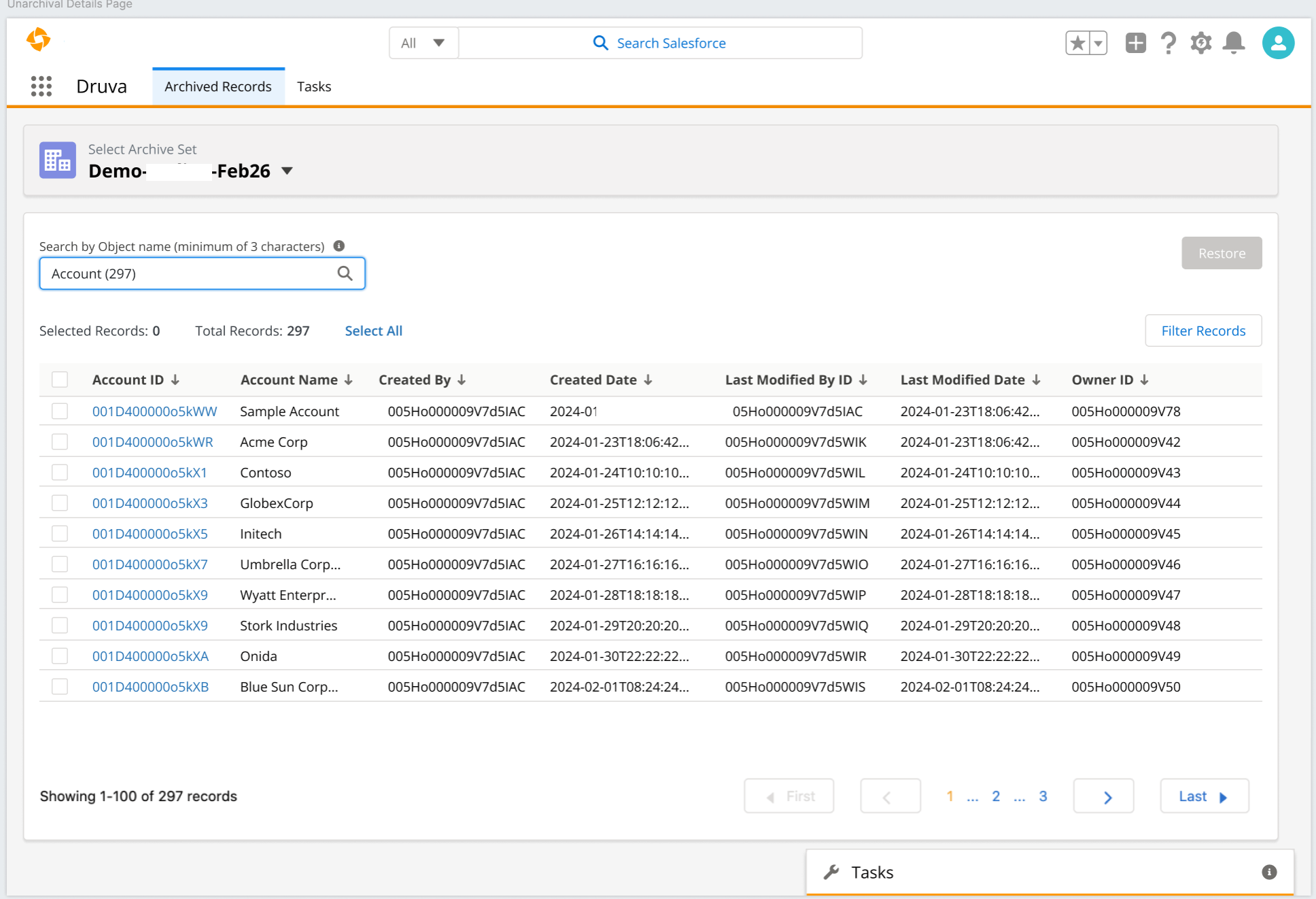
Druva solves this by integrating the unarchiving functionality directly into the user's existing workflow. The feature is available via a widget placed right inside the user's Salesforce console. It feels like a native extension of the CRM. When a user realizes they need historical context that is no longer in active storage, the solution is already sitting on their screen.
True Self-Service: Search, Restore, and Track
This update completely removes the Salesforce Administrator from the routine data retrieval process. It shifts unarchiving from a tedious IT task to a simple, user-driven action.
Here is what the end-user experience looks like:
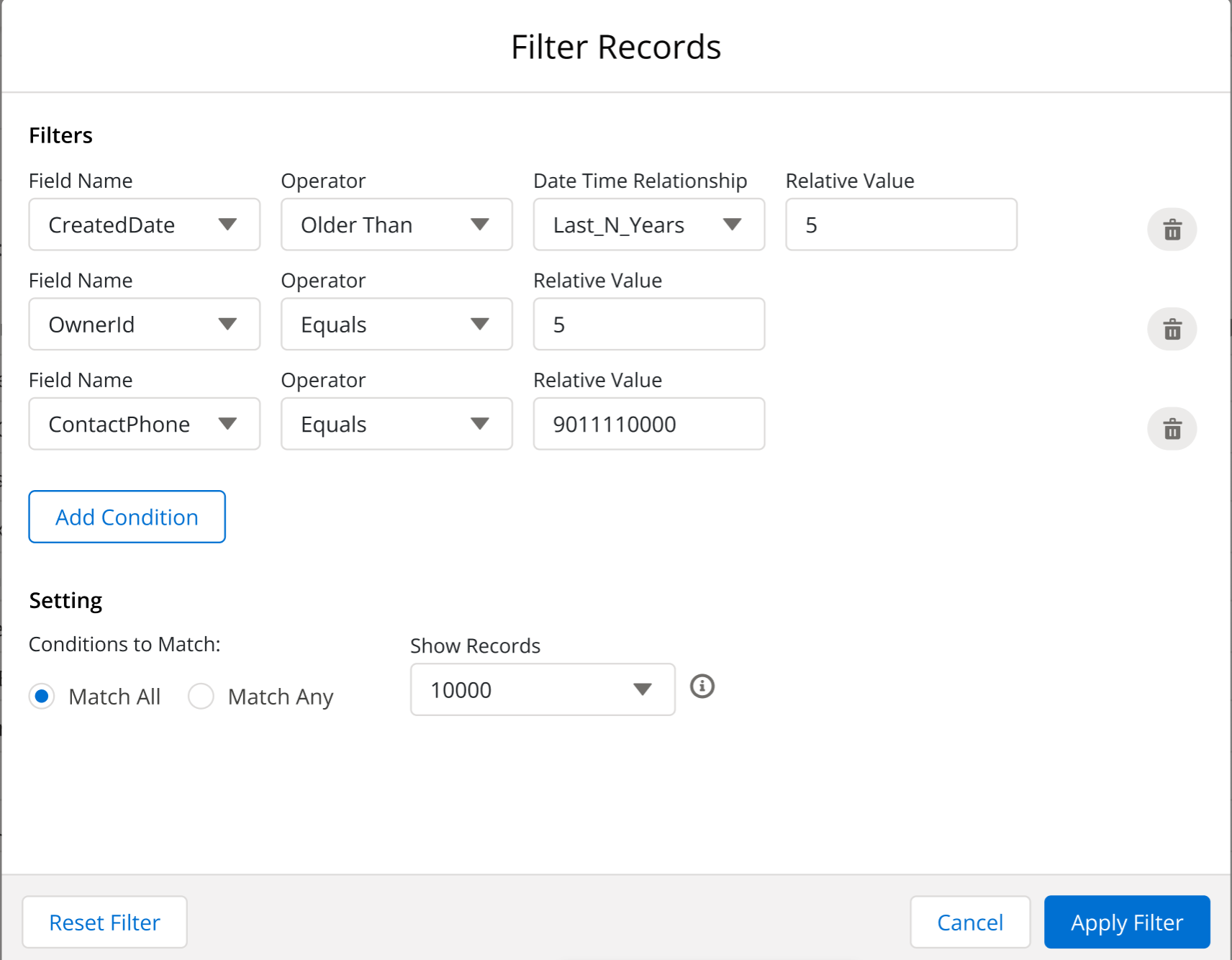
- Frictionless Search: Users can query the archived database directly through the Salesforce widget to locate the exact historical records they need.