




Revert AI Changes
Recover from a bad prompt, destructive action, or broken application state without rebuilding work from scratch.

Protect More Than Code
Safeguard Claude Code and Cowork projects, from prompts and tasks to settings, skills, and project artifacts.

Restore AI Context
Recover the full working environment, not just files, so teams can preserve the context that makes AI workflows productive and repeatable.

Reduce User Friction
Protect AI-powered work without requiring every user to manage Git, repositories, terminal setup, branches, or manual recovery habits.

Work Directly in Claude
Query backup status, investigate AI project activity, and surface governance insights using natural language, powered by Druva's MCP integration.

Govern AI-Assisted Work
Extend eDiscovery, legal hold, and federated search to AI-created work, with visibility into the projects and knowledge that teams build in Claude.
AI Adoption Needs a Safety Net
Druva Claude Backup delivers a safer way to adopt AI-powered work. Recover from AI mistakes, accidental deletion, device replacement, or application issues without rebuilding projects and context from scratch.
Druva Claude Backup FAQ
AI tools can change files, workflows, configurations, and project context quickly. When a prompt or action goes wrong, restoring a single file rarely fixes it. Users need to recover the full working state.
Git versions code commits. It does not capture the session history, memory, skills, connectors, and configurations that make AI work resumable. And many AI builders never touch repositories or branches at all. Druva protects the full working environment for engineers and business users alike.
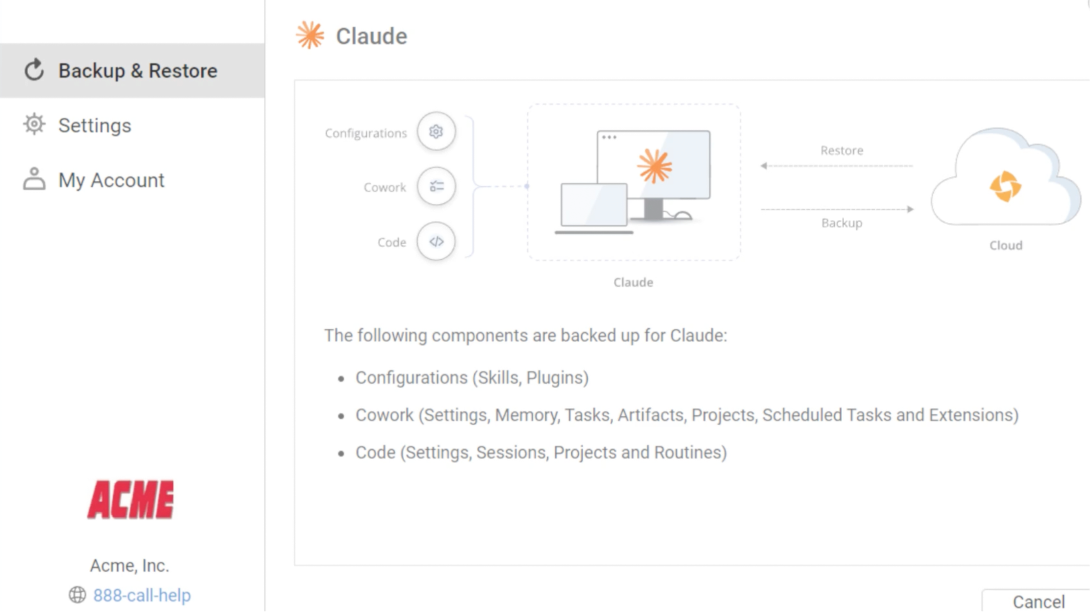
Druva can help recover Claude Code and Cowork environments, including project files, Claude Code sessions and routines, Cowork tasks, memory, and artifacts, plus skills, plugins, connectors, user settings, and configuration data stored on the device.
Druva stores snapshots in an air-gapped cloud environment that is isolated from the live working environment, helping protect backup data if the working copy is corrupted, deleted, or compromised.
It is designed for non-technical builders, small teams, developers, and enterprises scaling AI-powered workflows where corrupted project state, lost context, or accidental deletion can disrupt meaningful work.
No. Claude.ai chats are stored in Anthropic's cloud rather than on the device, so they sit outside the scope of endpoint backup. Druva protects locally stored Claude data, including Claude Code session history and conversations within Cowork projects that live on an endpoint.
Related Resources
Video
Explore secure, agentic workflows for investigations, governance, troubleshooting, and recovery.
White paper
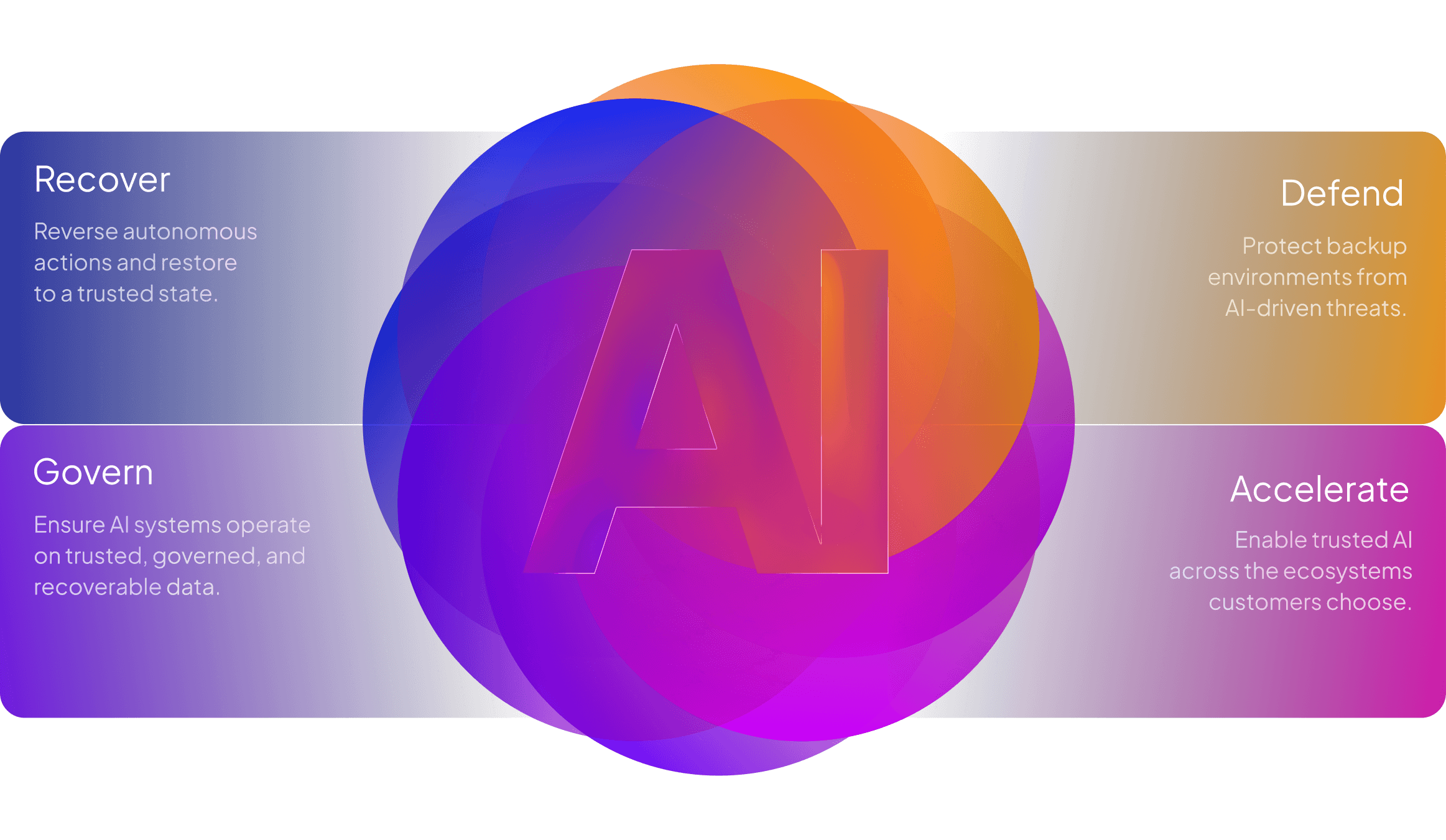
Recover, govern, defend, and accelerate enterprise AI with trusted data, operational context, and cloud-native recovery intelligence.
Solution brief
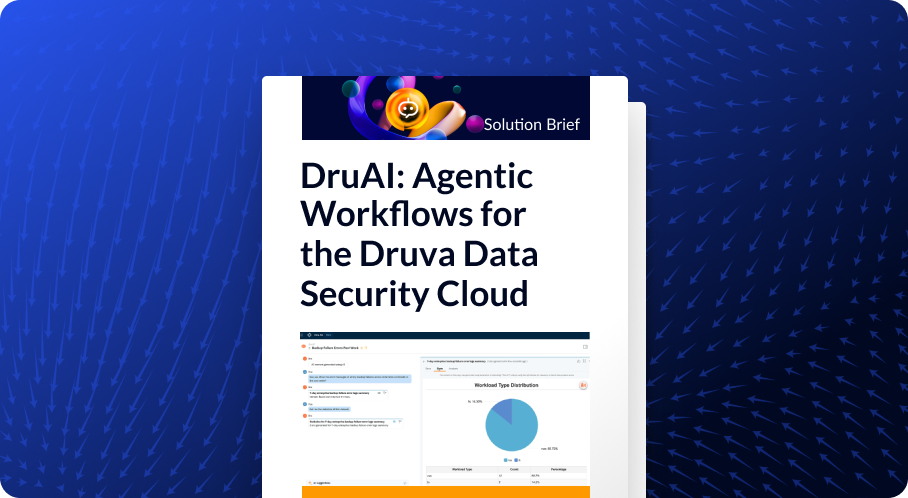
Read through example prompts and see what you and the power of agentic AI can accomplish together.