

Unlimited retention of SaaS data means you can always recover a clean snapshot of your data, even after persistent ransomware threats.


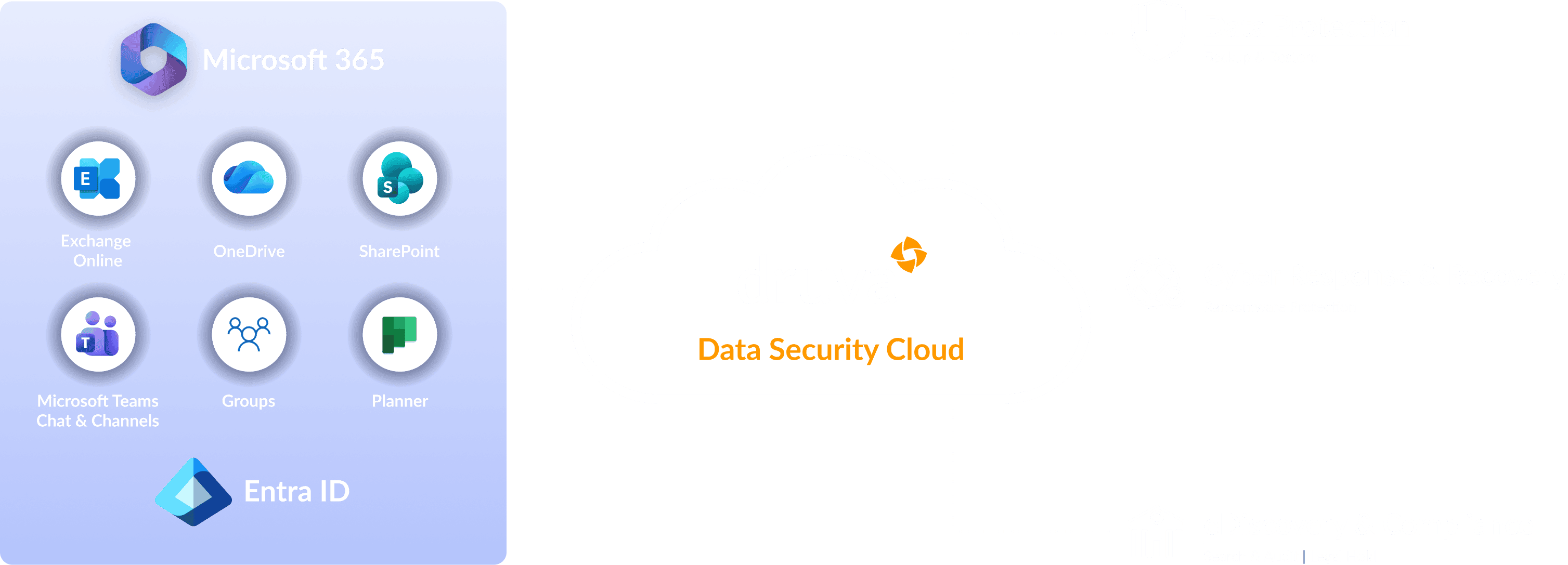
What is Microsoft 365 Backup? Microsoft 365 backup is a dedicated data protection service that ensures enterprise-grade recovery for Exchange, OneDrive, Teams, and SharePoint. Druva provides a 100% SaaS platform with air-gapped protection and cyber resilience to eliminate data loss from ransomware or accidental deletion.

SaaS-native data protection
Deploy in minutes with a 100% SaaS platform offering air-gapped, immutable backups, zero infrastructure overhead, and centralized protection for all Microsoft 365 workloads—built for cyber resilience.

Instant backup, clean recovery
Achieve fast, point-in-time recovery across Microsoft 365 workloads with reliable, immutable backups that eliminate complexity, minimize downtime, and support granular restore options.

Accelerated threat detection
AI-driven anomaly detection and Druva’s 24x7 expert threat monitoring service, quickly surface ransomware, mass deletions, and insider threats—triggering automated rollback, quarantine, and clean recovery.

Simplify compliance and data governance
Automate retention policies, monitor user activity, govern sensitive data, and streamline legal hold and eDiscovery. Ensure compliance across Teams (including private chats), Exchange, SharePoint, and OneDrive.

Strengthen your security posture
Reinforce Microsoft 365 data protection and cyber resilience with continuous monitoring, immutable backups, role-based access controls, and visibility into admin behavior to stay ahead of evolving threats.

Guaranteed ransomware recovery
Guarantee clean, malware-free recovery using curated snapshots, restore scans, and quarantine workflows—eliminating reinfection risk after ransomware attacks.
Related Content
How it works
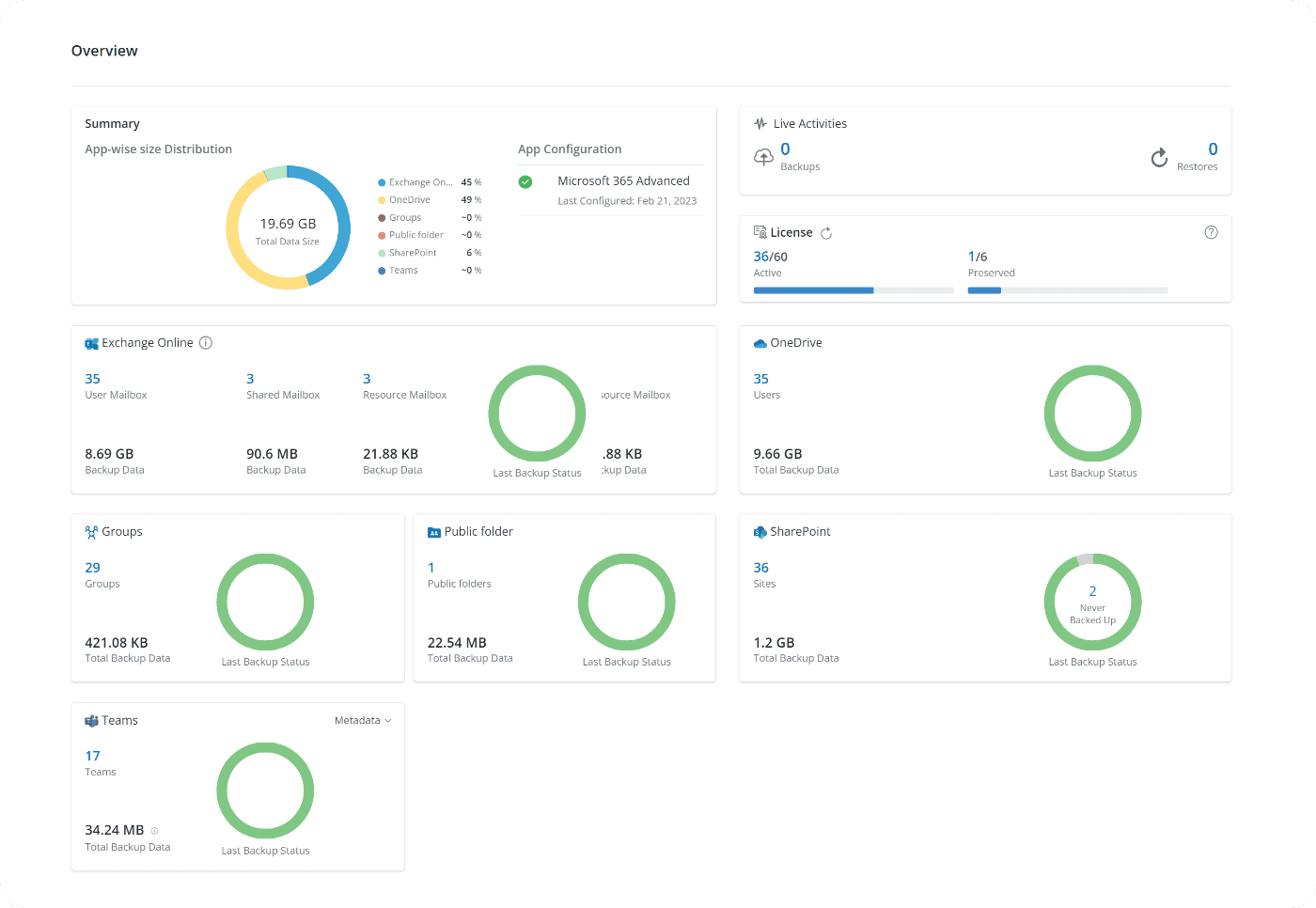
Efficient, agentless Microsoft 365 data protection with forever incremental backups, unlimited data retention, and granular, point-in-time file and metadata restore.
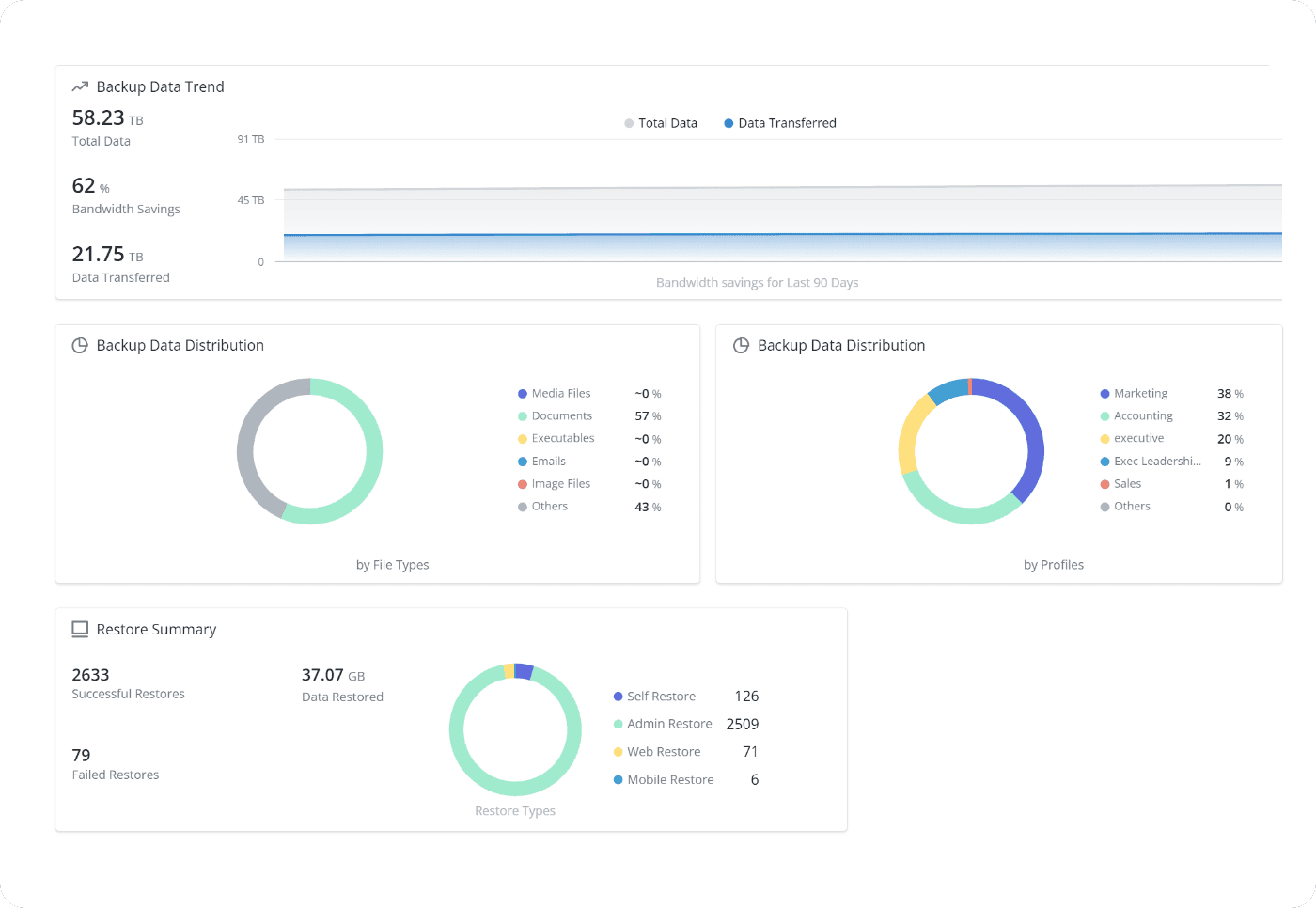
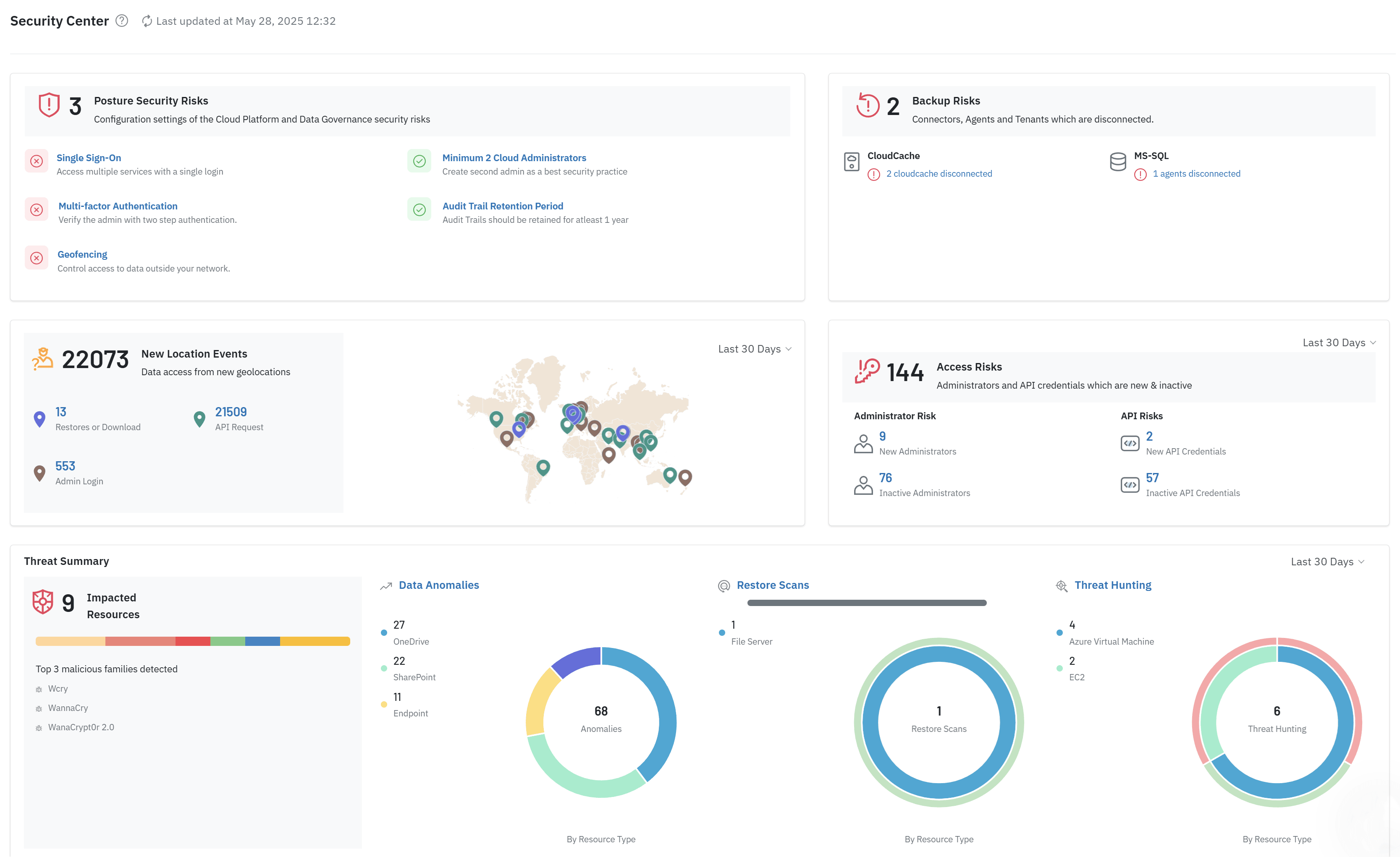
Detect, withstand, and recover from cyber threats with Druva’s zero-trust architecture and enterprise-grade security.
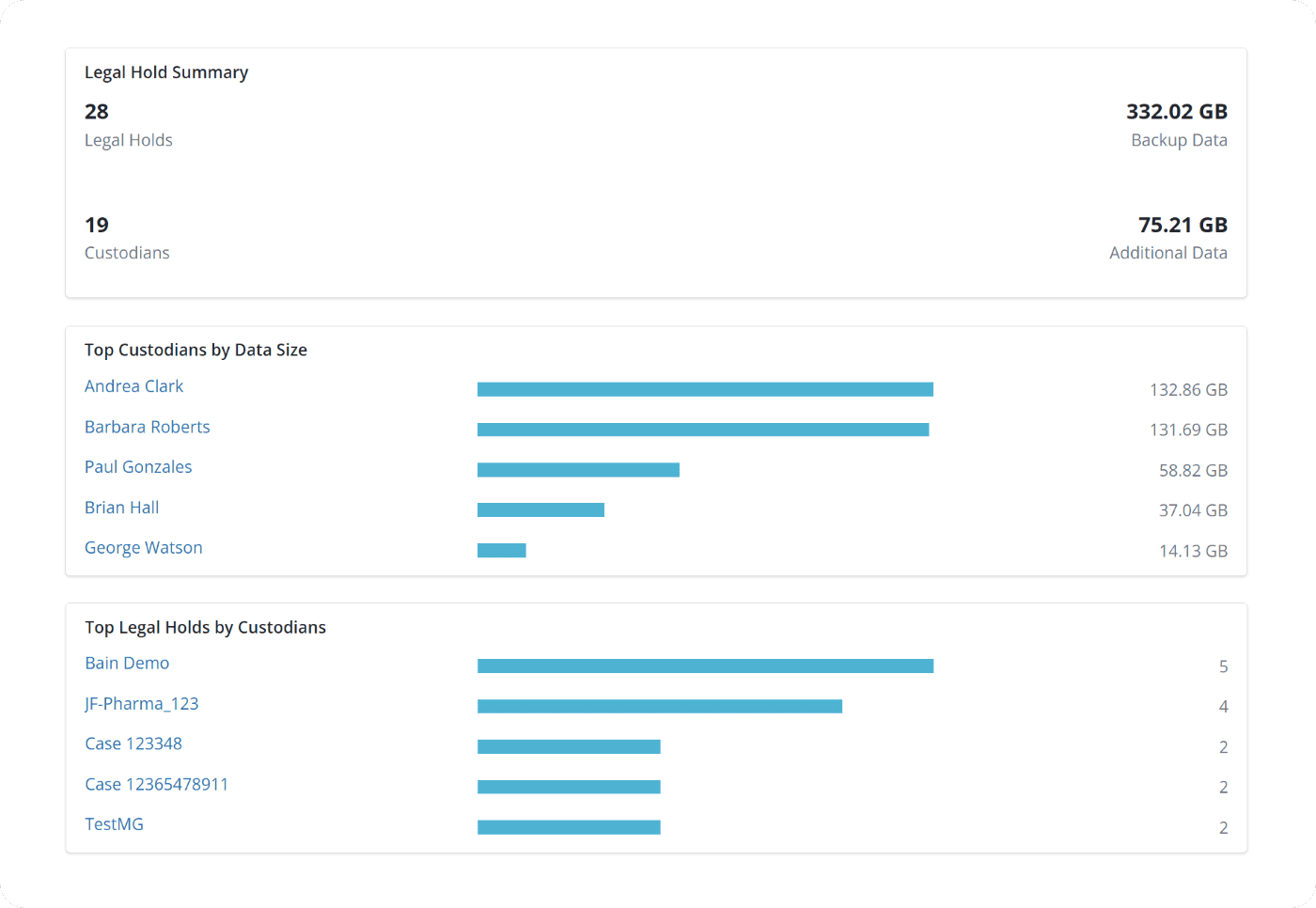
Federated search of metadata helps IT admins to quickly locate SaaS data for legal and forensics investigations, and discovering custodians.



“From a security standpoint, we aren’t worried about losing data in the event of an attack. We’ve also conducted tests which allow us to be sure that our data can be easily restored quickly with 100% integrity.”
Ivan Fombaron IT Project Manager
Trusted by the world’s leading organizations













Microsoft 365 FAQs
No. The Recycle Bin is a short-term buffer, not a backup solution. Most items are permanently purged after 93 days. Additionally, the Recycle Bin is not "air-gapped"—if an admin account is compromised, an attacker can empty the bin, leaving you with zero recovery options. Druva provides immutable storage that exists outside your primary M365 environment.
Yes. Unlike many basic solutions that only cover email, Druva provides comprehensive protection for the entire ecosystem, including Teams chats, channels, and configurations, as well as Entra ID (formerly Azure AD) users, groups, and permissions. This ensures that when you restore, you aren't just getting files back—you're getting your entire business context back.
Druva uses AI-driven anomaly detection to identify unusual activity (like mass encryption) in real-time. Because our backups are air-gapped and immutable, they cannot be encrypted by the ransomware affecting your local network. You can simply perform a "clean" point-in-time restore to a state before the infection occurred.
By leveraging the Microsoft 365 Backup Storage platform, Druva can achieve ultra-low Recovery Point Objectives (RPOs) of 10 minutes. Our recovery speeds are among the fastest in the industry, capable of restoring up to terabytes of data per hour, ensuring your business stays operational even after a major data loss event.
Related Resources
Whitepaper
Explore Microsoft’s shared responsibility model and get a playbook to keep your data safe from evolving threats like ransomware and accidental deletions.
Blog
In this blog, explore the details of the shared responsibility model and how Druva closes native data security gaps.
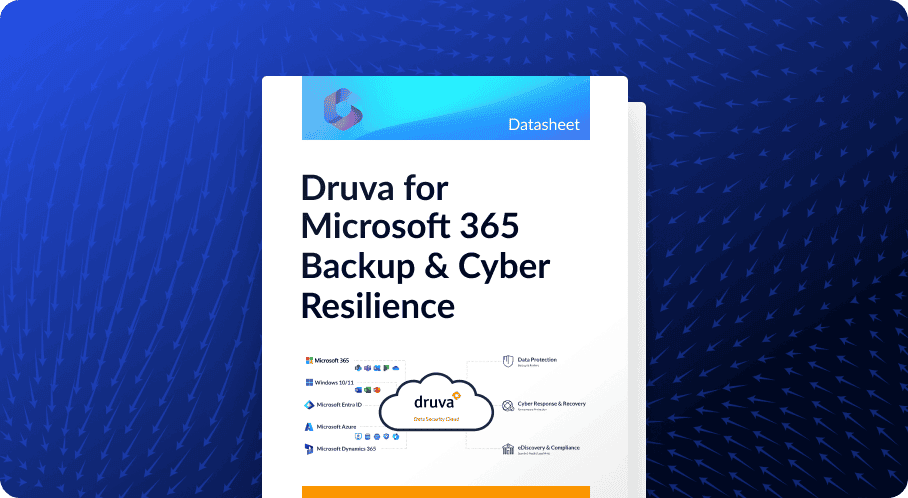
Datasheet
Get the technical details of how Druva air gaps your SaaS environment in this datasheet.