Ransomware attacks have evolved far beyond encrypting individual files or servers. Modern attackers increasingly target virtualization platforms, identity systems, and backups. When the very infrastructure used to manage a business is compromised, recovery is no longer about simply restoring data; it becomes an intricate rebuild of operational environments.
Why Manual Recovery Fails
During an attack, many organizations assume recovery will be straightforward: restore the most recent backup and bring systems back online. However, in practice, cyber recovery is rarely that simple with manual processes often collapsing under the pressure of a real-world incident.
Here is why an ad-hoc approach fails:
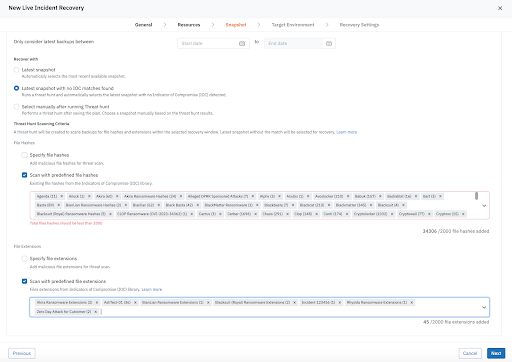
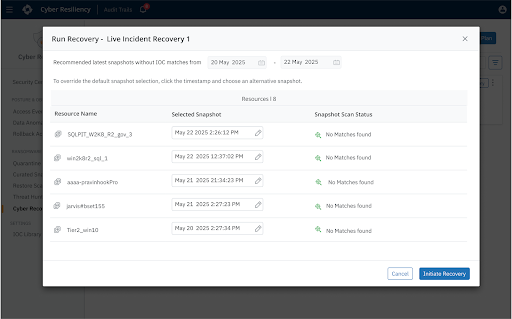
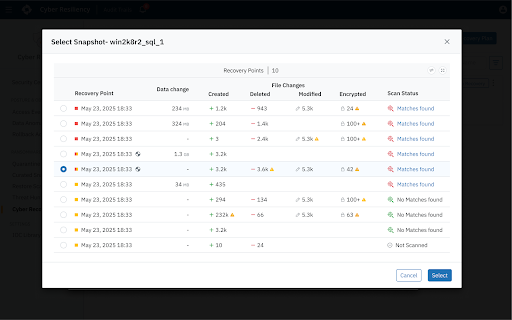
The "Safe Point" Guessing Game: Adversaries frequently remain inside environments for days or weeks before launching an attack. During that time they may slowly manipulate configurations, compromise administrative credentials, or encrypt files. As a result, multiple backup snapshots may already contain compromised data. Without automated analysis, administrators don’t have clear visibility into what’s changed or the scope of impact and must manually inspect snapshots and guess which restore point is trustworthy.
The Dependency Domino Effect: Modern enterprise applications are deeply interconnected. Application servers depend on identity services, databases depend on storage infrastructure, and virtualization platforms depend on networking and management systems. Restoring systems in the wrong order can lead to cascading failures, where recovered workloads cannot function because required services are unavailable.
Operational Coordination Chaos: A cyber incident requires seamless collaboration between security, infrastructure, networking, and application teams. Without a predefined workflow, these teams are forced to coordinate in real time using incomplete information and disjointed processes while the business remains offline.
The Reinfection Loop: Restoring workloads directly into production without validation is a massive risk. Without a method for forensics, verification, and testing, recovery processes often accidentally reintroduce the same malware or backdoors they just tried to remove, prolonging disruption and downtime.
Introduction to Cyber Recovery Runbooks
To overcome these challenges, businesses must move from manual-based responses to a repeatable, controlled recovery process that informs how and when systems should be restored during a cyber incident.
Druva Cyber Recovery Runbooks provide this missing orchestration layer, enabling administrators to define recovery sequences, select trusted and verified restore points, and automate validation steps during recovery–before ever reconnecting critical systems to production networks.
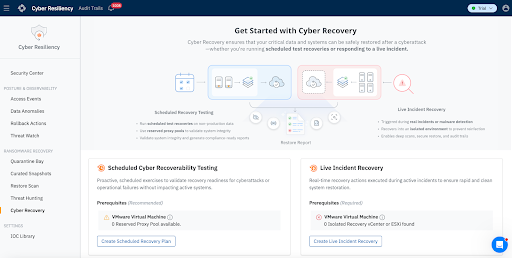
Organizations can either leverage Druva Cyber Recovery Runbooks to respond to live incidents or proactively test the efficacy of their recovery posture:
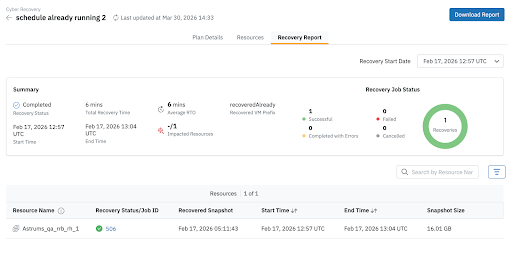
Scheduled Cyber Recoverability Tests: Organizations must continuously validate their ability to recover from cyber incidents. Scheduled cyber recoverability testing enables administrators to simulate recovery scenarios and confirm that systems can be restored successfully. These tests help verify that recovery workflows, infrastructure dependencies, and validation procedures operate as expected well before a real incident occurs. Administrators can execute these tests on a regular schedule, restoring workloads to production or alternate environments for validation without disrupting live production operations.
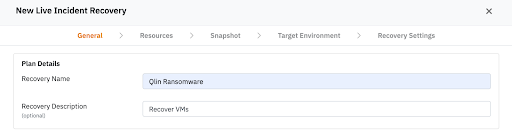
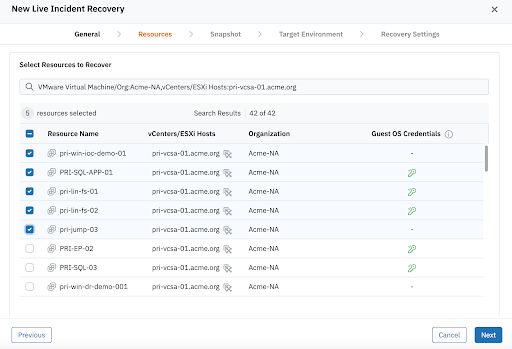
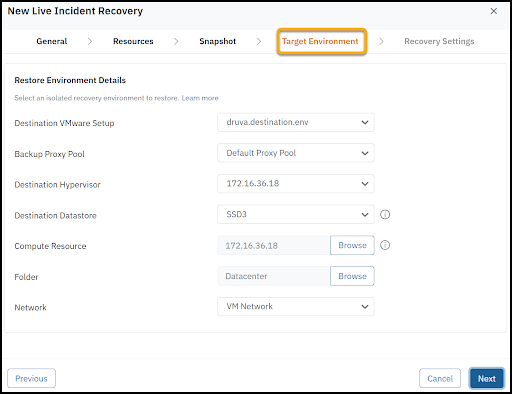
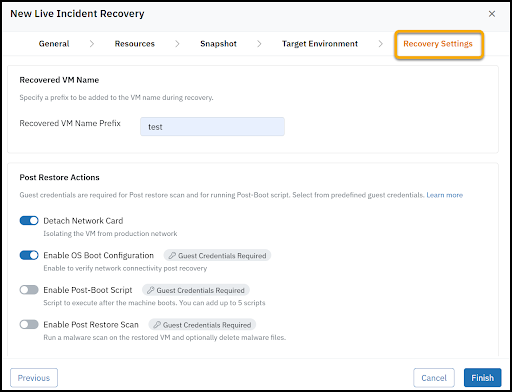
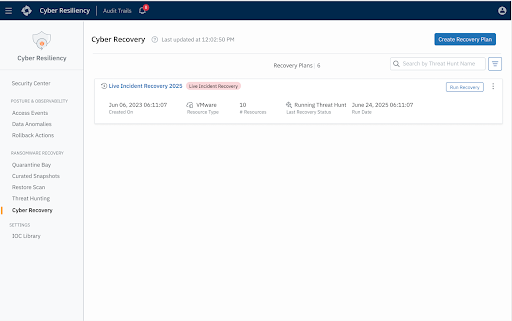
Live Incident Recovery: Designed for active cyber incidents, this runbook orchestrates the rapid and clean recovery of compromised workloads into an Isolated Recovery Environment (IRE) or clean room. It enables organizations to restore and validate systems in a secure, segmented environment to ensure remediation before ever reconnecting them to production.