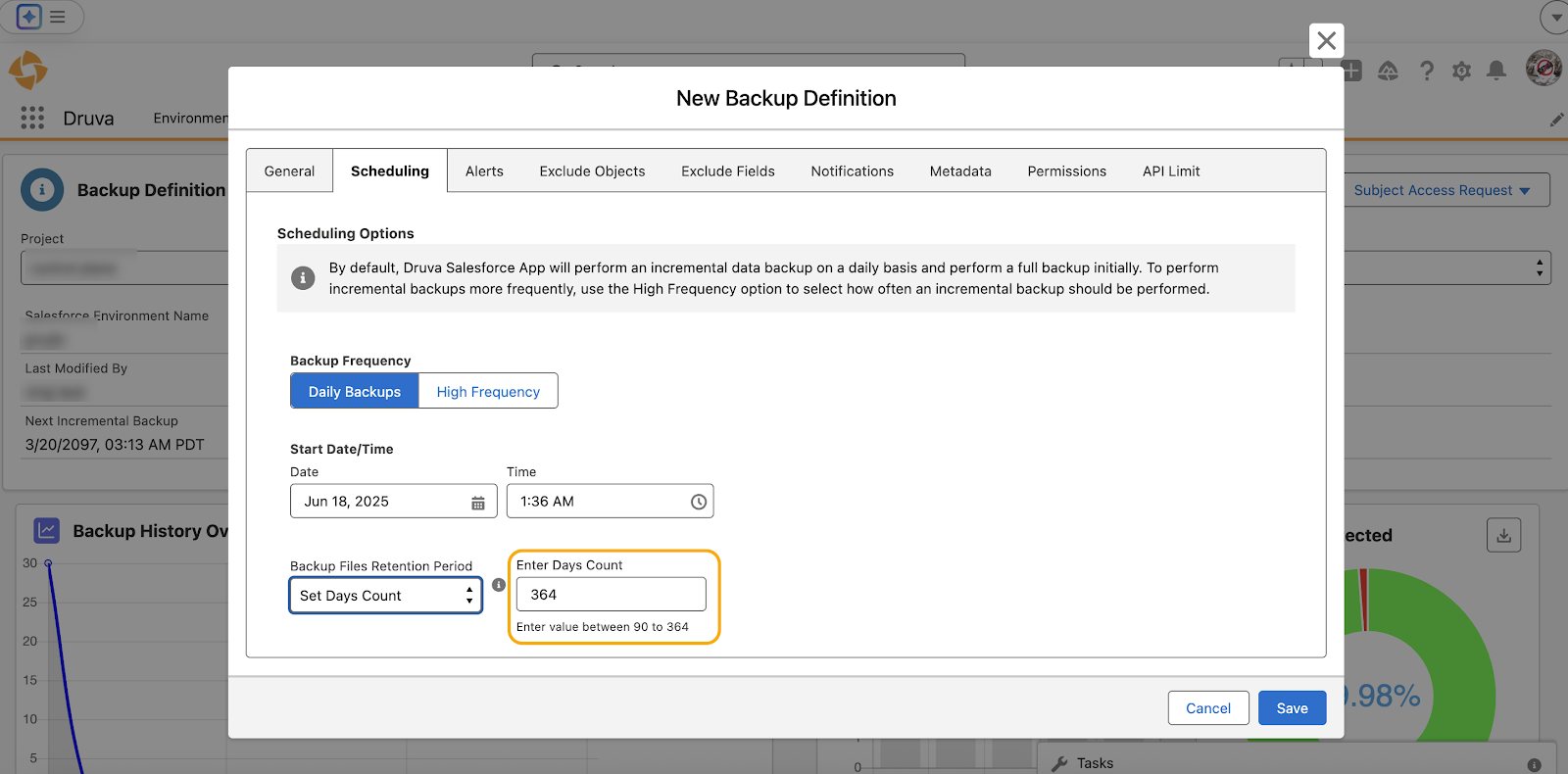
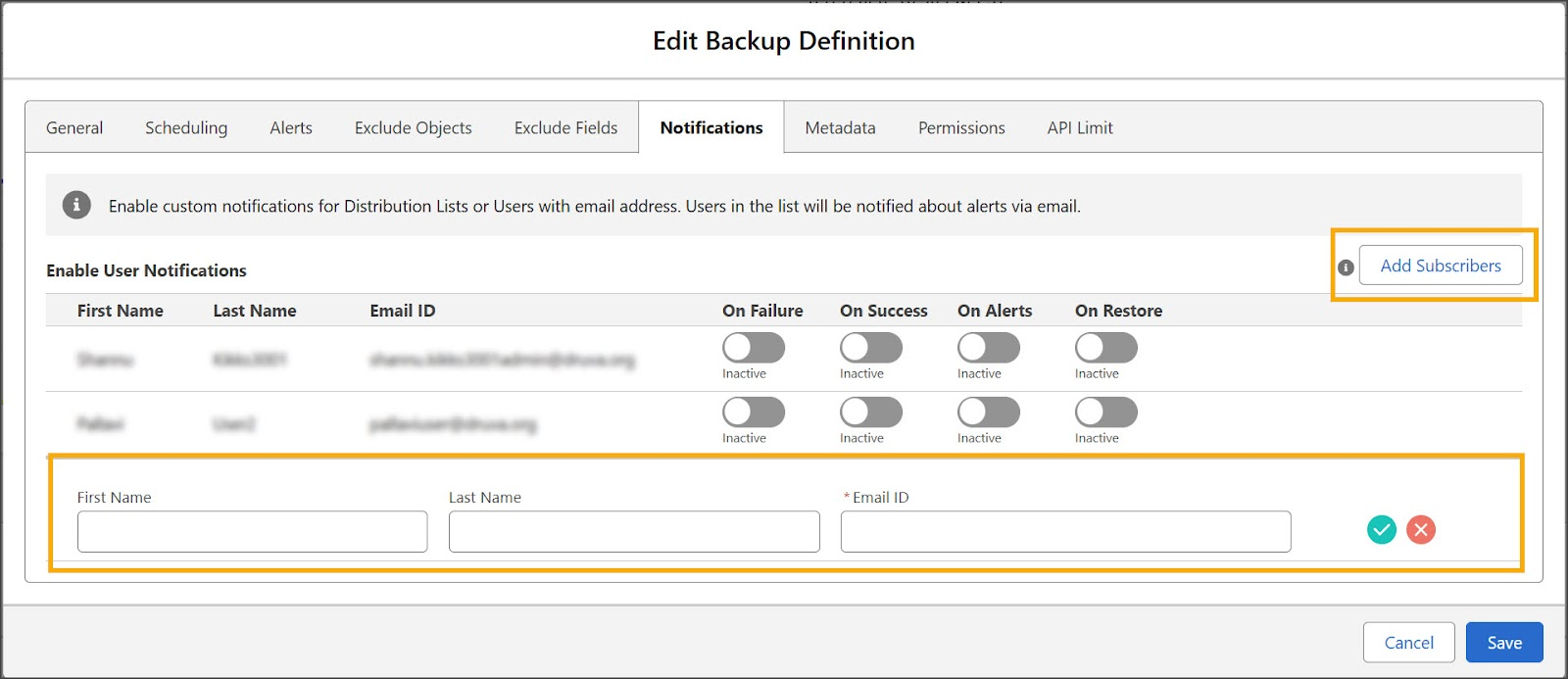
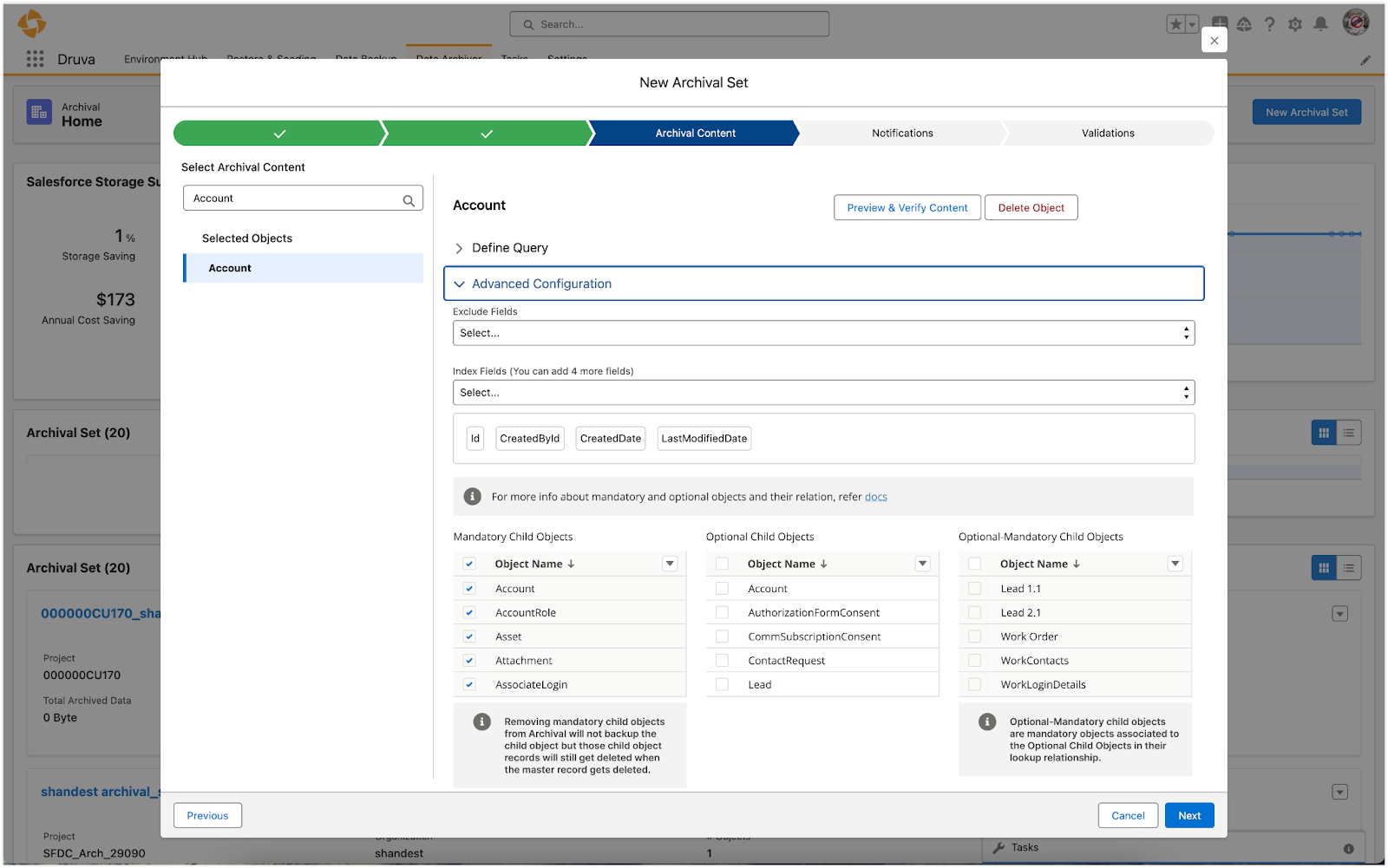
For more information, see configure child objects.
Azure Subscription Deletion
You can now delete an Azure subscription from your management console, bringing greater flexibility and control over your Azure resources to meet your evolving business requirements.
Note: Deletion is permanent, and all associated data will be removed. Delete an Azure Subscription.
Introducing Point-in-Time Restore for Azure SQL
Restore your Azure SQL databases to a specific moment in time using our Point-in-Time Restore (PITR) capability. You can now select precise timestamps available in the restore workflow and seamlessly restore your data up to the selected point-in-time. For more information, see Point-in-Time Restore (PITR).
Recover VMware data with Cyber Recovery Insights
We're announcing significant enhancements to your VMware data protection and recovery experience! These updates introduce new features and improve existing ones, giving you greater visibility and control over your data resilience within your VMware environment.
- Reorganized Backups Tab: The Configured VMs page now includes two sub-tabs:
- Operational Recovery: Quick access to snapshots with a new Restore button for faster recoveries.
- Cyber Recovery: Focused insights for handling cyber recovery events.
- New Trends Tab: View recovery point data from the last 30 days for a clearer historical overview.
- Detailed Recovery Point Info: The Restore page now shows file activity, threats, and critical details for more informed recoveries.
The Summary tab remains unchanged. For more info, see "How to view configured VMs details."
Enhanced CloudCache R3 for improved data visibility
We’ve enhanced visibility into the synchronization status of your Hot recovery points, making it easier to monitor and manage your backups. You'll now see a total count of Unsynced recovery points for each backup set, as well as Unsynced backup sets for every CloudCache R3 device.
Additionally, we've introduced a new "Transient" recovery point state. This state represents recovery points that have exceeded their CloudCache retention period but are still in the process of syncing to the cloud. By clearly distinguishing this state, we’ve ensured that Warm recovery points remain fully synced and readily recoverable from the cloud, maintaining their reliability and integrity.
Azure storage support for CloudCache
CloudCache R3 is now supported with Azure storage for the following workloads:
Files Server
Nutanix AHV
VMware
NAS
Oracle DTC
Azure Private Endpoints support for private, secure connectivity
Druva now supports Azure Private Endpoints to keep all traffic between your Azure account and Druva private and secure. Connections use private endpoints within your VNet, ensuring data is not exposed to the public internet. For more information on how to configure Private Endpoints, see How to set up Private Endpoints for Azure SQL.
Strengthen AWS Workloads security with Quarantine Bay
Safeguard your organization against ransomware with Quarantine Bay, a powerful feature designed to isolate infected EC2 instances and EBS recovery points. By restricting data access and restoration activities, Quarantine Bay prevents further infection. Recovery from quarantined EC2 and EBS recovery points is not permitted. Instead, restores are only allowed from recovery points verified as secure and untouched by potential threats.
To access Quarantine Bay, log in to your Druva Cloud Platform console and navigate to: Global Navigation Bar > Cyber Resiliency > Ransomware Recovery > Quarantine Bay.
For more information, see Quarantine EC2 and EBS Recovery Points.
Enhanced security and encryption for EC2 and EBS Restores
We’ve improved the restore workflow for EC2 backups and EBS snapshots! Key updates include:
Greater flexibility in selecting SSH encryption keys.
Enhanced cross-account key support, making it easier to manage keys across multiple AWS accounts.
Seamless restoration of air-gapped backups for EC2 instances and EBS volumes, even if the source volumes were unencrypted at the time of backup.
For more information, see Restoring AMIs and Restoring EBS Snapshots.
Druva Published IOC Set: Now Standard for Accelerated Ransomware Recovery license holders
Druva Published IOCs are now accessible to all customers with an Accelerated Ransomware Recovery license! Previously available only as a premium feature, this powerful tool provides proactive threat intelligence, enabling better detection and response to ransomware threats. By expanding access to advanced security features, we aim to enhance recovery readiness and empower more customers with robust protection.
For more information, see IOC Library and Threat Intelligence.
Introducing Recovery Insights for VMware
Announcing the new Recovery Insights, a powerful enhancement that integrates threat intelligence and security context directly into your VMware recovery workflow. By surfacing real-time indicators like anomalies, encryption, malware presence, and antivirus scan results, it helps make fast, confident decisions during VMware recovery.
As part of the Recovery Insights feature, the VMware Backups tab used for the restore workflow will now include a new Cyber Recovery and Trends tab for real-time, recovery-focused visibility, empowering you to better protect and restore VMware backups. Learn More.
Strengthen AWS Workloads (EC2 and EBS Volume) security with Quarantine Bay
Utilize the Quarantine Bay feature to isolate infected AWS workloads, including EC2 instances and EBS volume snapshots (Recovery Points). This powerful enhancement limits data access and restoration activities, effectively halting the spread of infection and ensuring a more secure recovery process.
You can access Quarantine Bay by following this path in the Druva Cloud Platform Console: Global Navigation Bar > Cyber Resiliency > Ransomware Recovery > Quarantine Bay. For more information, see Quarantine for AWS Workloads - EC2, EBS Volume.
Druva Copilot for Sentinel Plugin for enhanced recovery investigations
Introducing Druva’s new Copilot integration for Microsoft Sentinel, designed to empower Security Operations Center (SOC) teams with advanced ransomware investigation capabilities.
This innovative plugin seamlessly connects Druva’s rich telemetry—covering admin activity and changes to backed-up data—directly with Microsoft Sentinel. With this integration, SOC teams can utilize natural language queries to access critical insights, streamlining investigations and enabling faster detection and response to ransomware threats. For more information, see Configuring Copilot for Druva App for MS Sentinel.
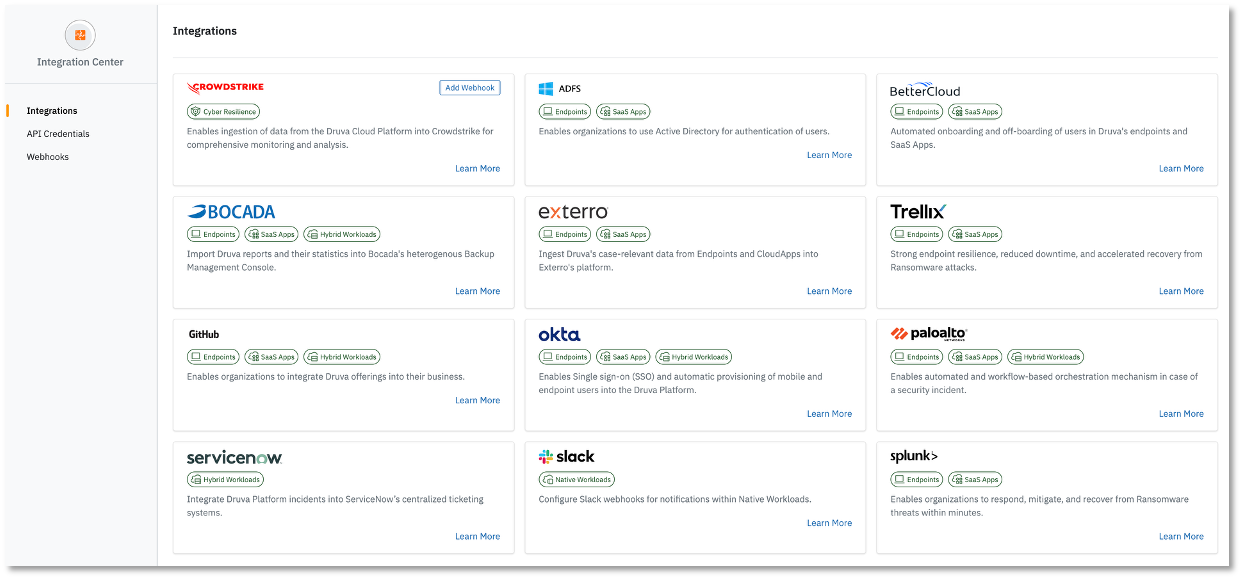
Introducing an updated integration center with webhooks
We’re thrilled to introduce our refreshed Integration Center! It now offers:
Out-of-the-box integrations supported by Druva
A dedicated home for API credentials
A new way to connect external services via webhooks
By uniting all external integrations in one place, we’ve made it easier to manage connections. Plus, with webhooks, you can now specify a URL to receive real-time event updates.
We're excited to announce our refreshed integration center.