

Gartner® : Druva is a 2024 Customers’ Choice
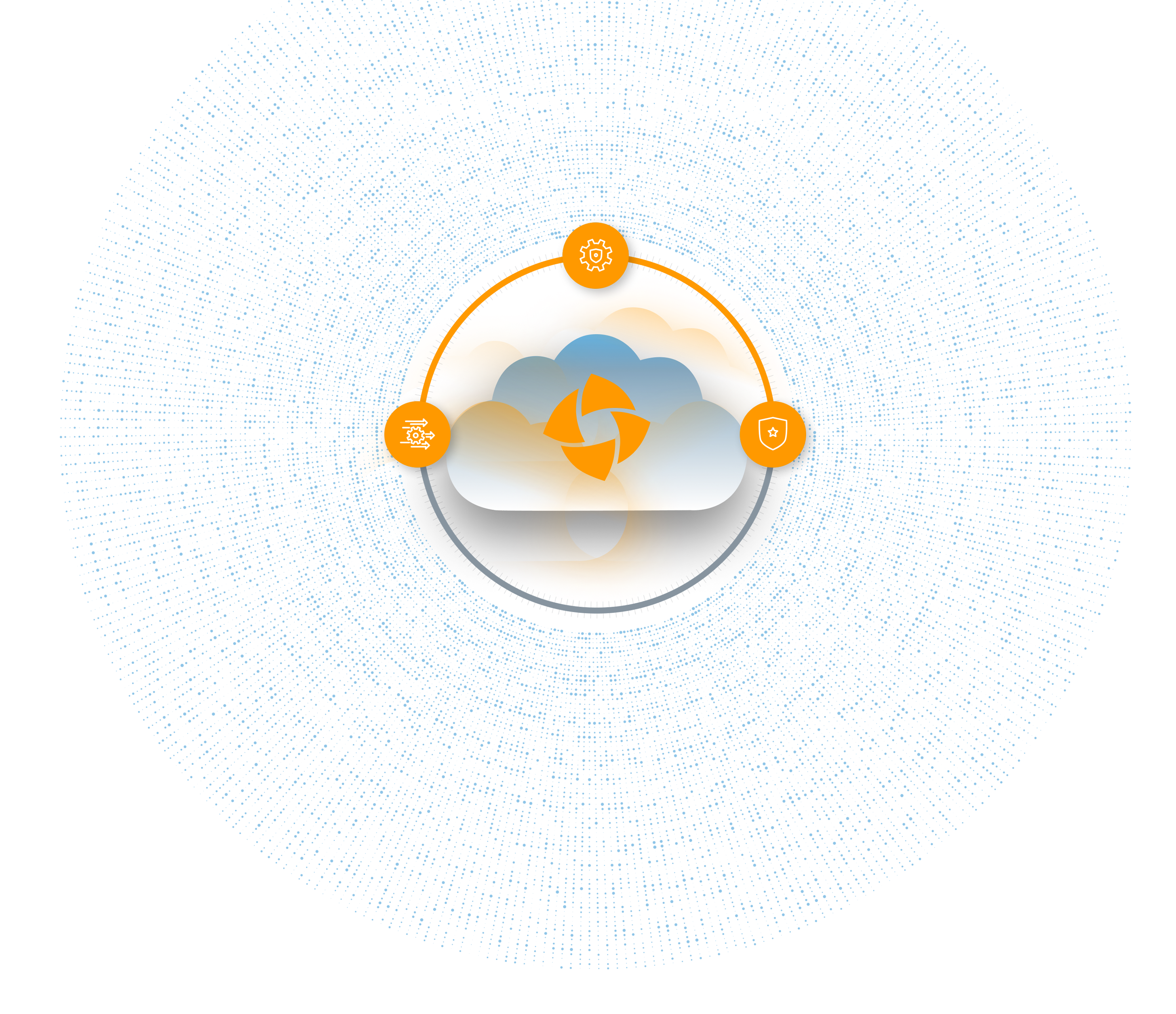
Data Security Cloud

Autonomous Protection

Rapid Response

Guaranteed Recovery


Trusted by the world’s leading organizations













Trusted by the world’s leading organizations
Combat cyber exposure. Recover confidently.
Out-of-the-box air-gapped backups, deep visibility into data, and strict SLAs with cloud-scale recovery
Every application.
Every location.
Every cloud.
One platform.










Is Druva right for me?

Can I confidently recover from ransomware at scale?
Can I confidently recover from ransomware at scale?
Druva bridges the gap between security and backup by improving data observability and offering an integrated approach to faster, and more secure, ransomware recovery.

Is SaaS-based data protection right for my needs?
Is SaaS-based data protection right for my needs?
Your organization is already using the cloud for production or productivity applications. Extend the benefits of cloud to your data protection environment and further eliminate the need for hardware, software and maintenance.

How does Druva’s cost compare to other solutions?
How does Druva’s cost compare to other solutions?
Only Druva’s SaaS-based approach lowers TCO by eliminating hardware, software, and maintenance, consolidating multiple solutions, and offering consumption-based pricing.
The endgame for data resiliency
See how the next generation of SaaS-delivered platform changes the game
Radically simple
- Zero complexity. No backup hardware, no software, no appliances. Just 100% SaaS.
- Unified services. Manage all your applications, services, security, and reporting from a single console.
- Automated (everything). Automate backup, disaster recovery, security and compliance for true simplicity.
Cyber secure
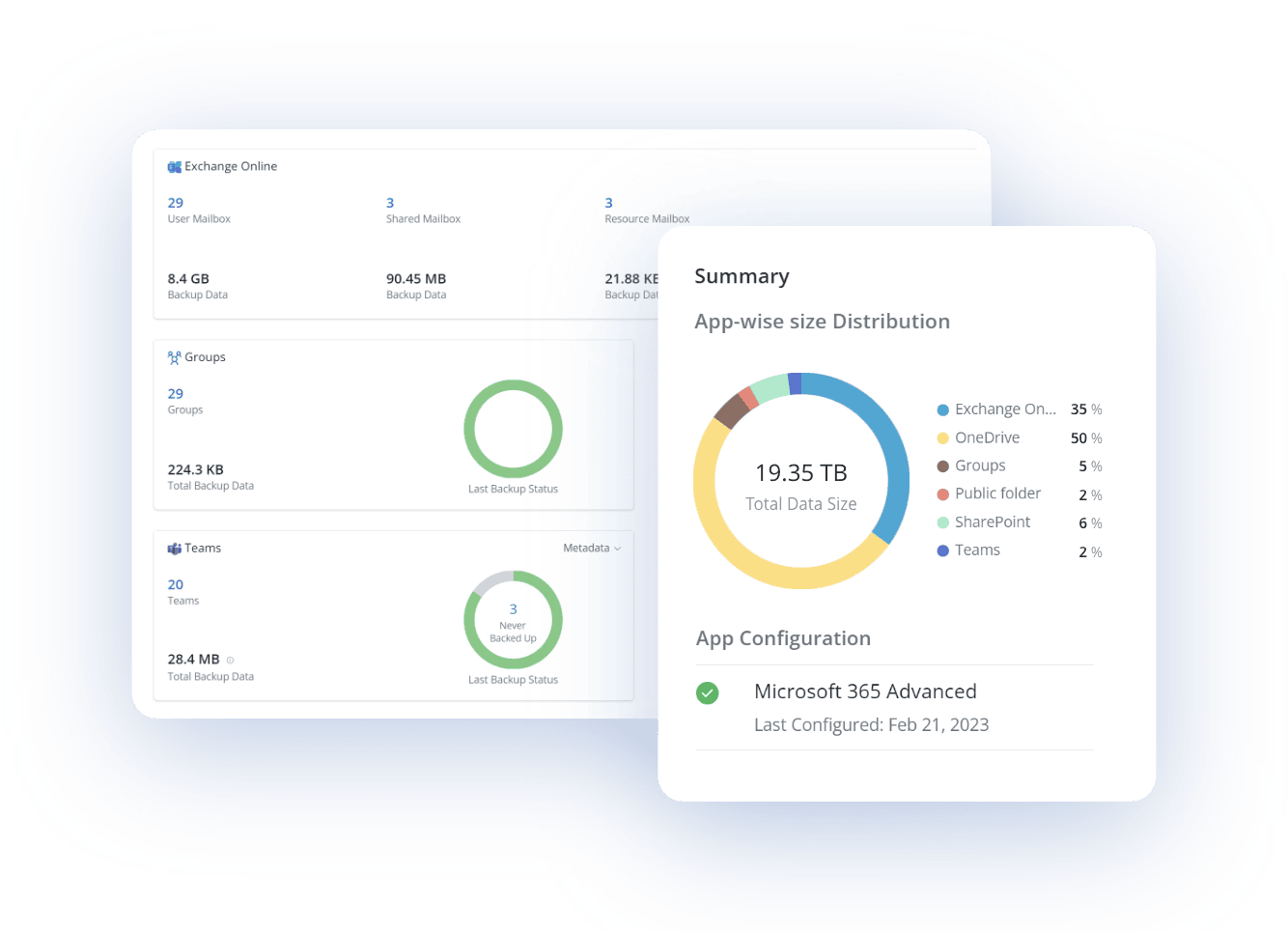
- Zero-trust architecture. Protect all your data easily with access control, built-in air-gap, immutability, and encryption.
- Centralized security reporting across all applications from a centralized console, 24/7.
- Accelerated ransomware recovery with automated response following an attack.
Infinitely scalable
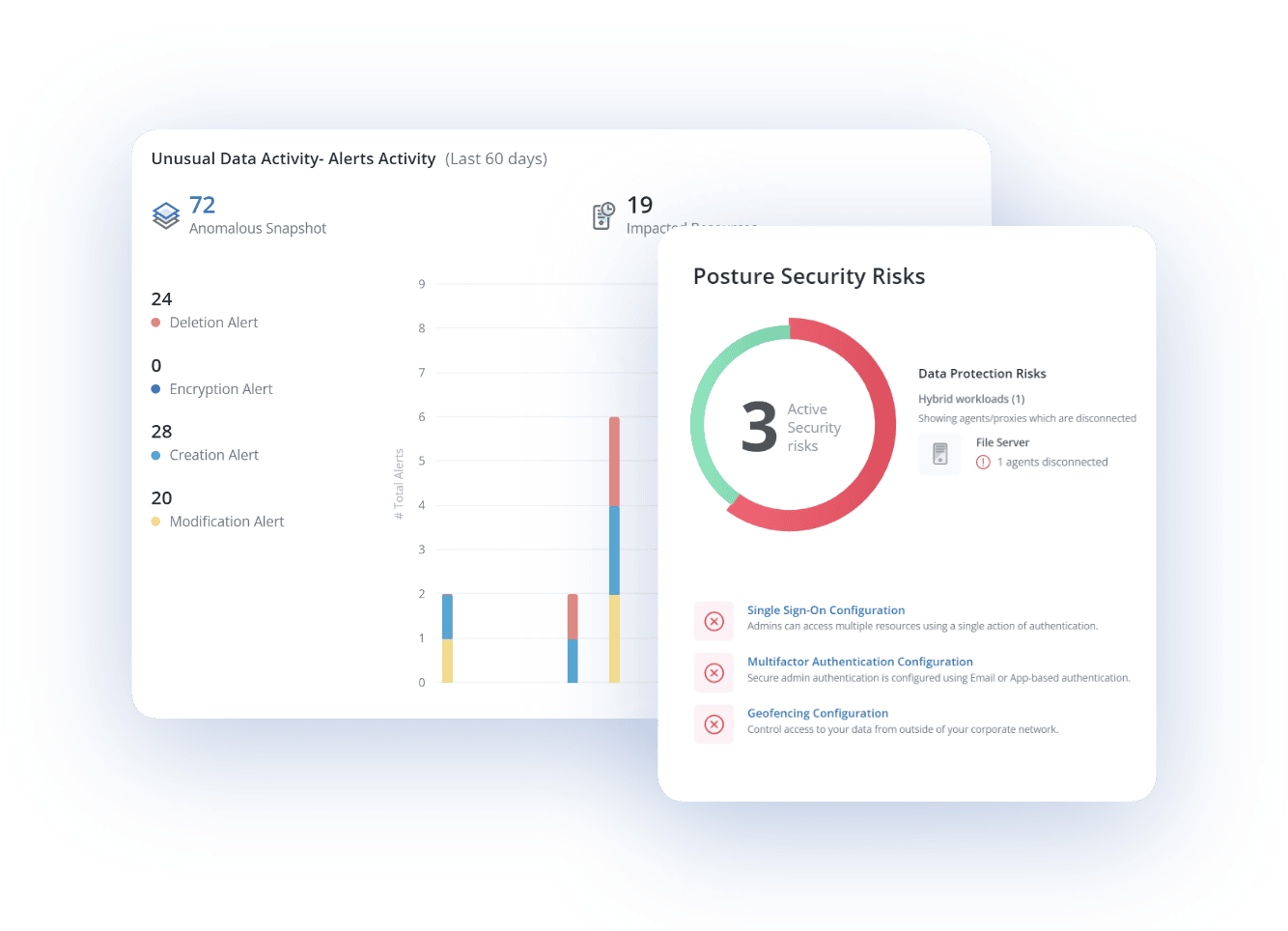
- Automatic and on-demand resource scaling. Scale resources automatically, or on-demand.
- Unlimited resources. Unlimited storage ready so your backups won’t fail.
- Deployable anywhere. Cloud-native design, powered by Amazon Web Services.
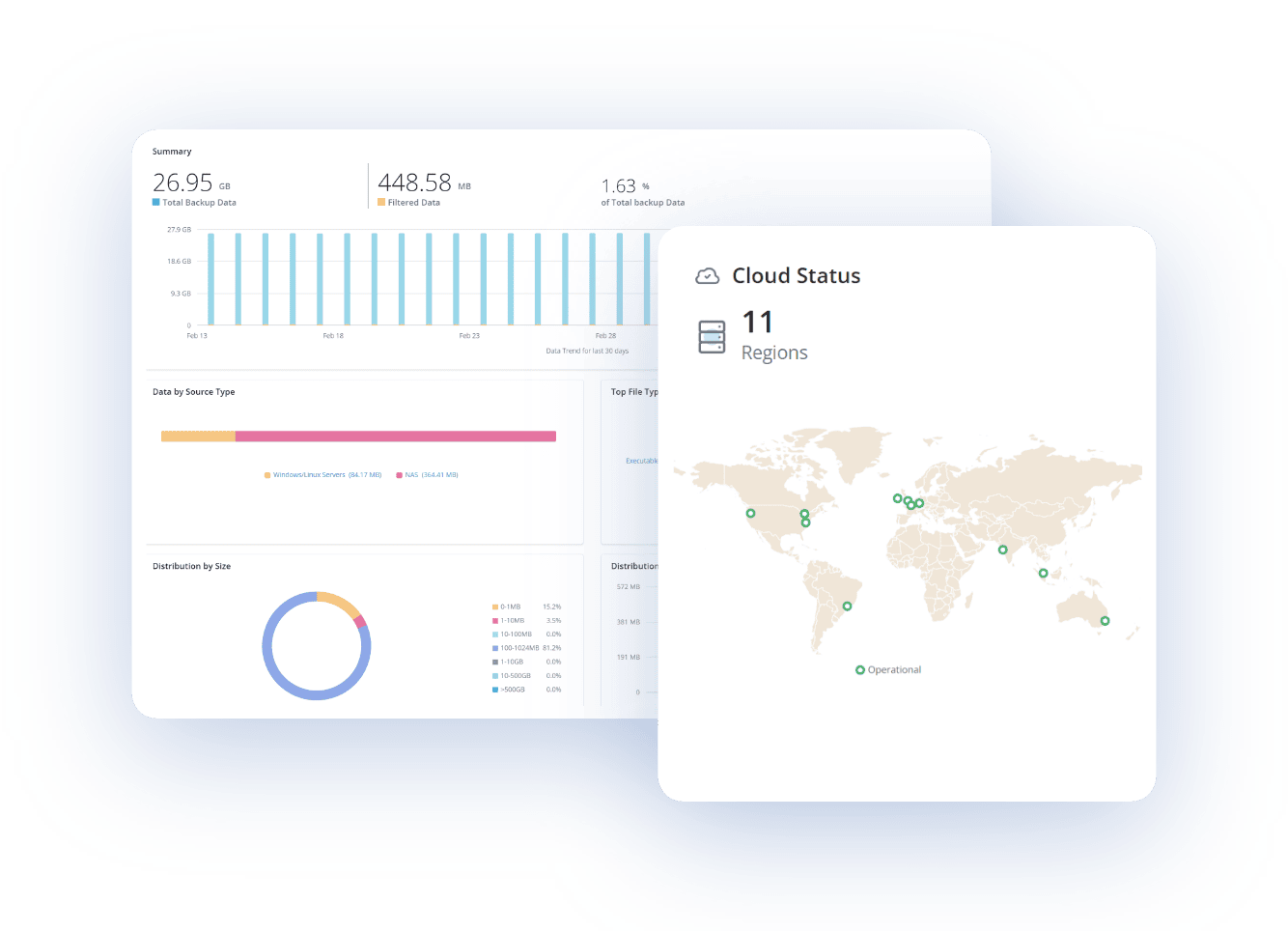
SaaS efficiency
- Optimized for advantage. Automatic updates to stay secure and protected without maintenance.
- Consumption pricing to eliminate idle capacity and reduce costs.
- Reduced IT overhead. Consolidate backup silos and multiple vendors.
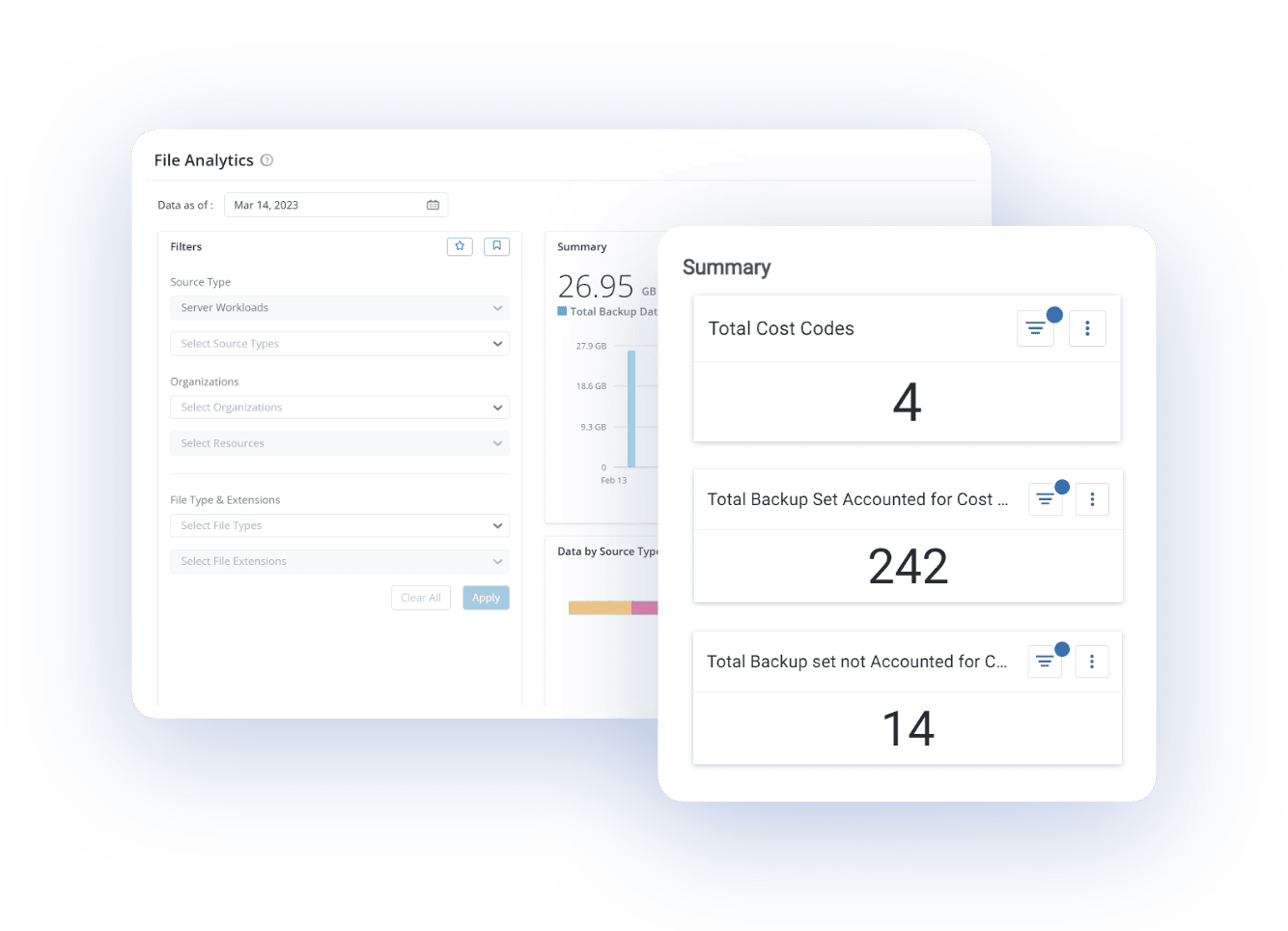
Resiliency guaranteed
- Total protection. Zero compromises.
- Coverage for 5 key data risks.
- Data health check to ensure data is safe.
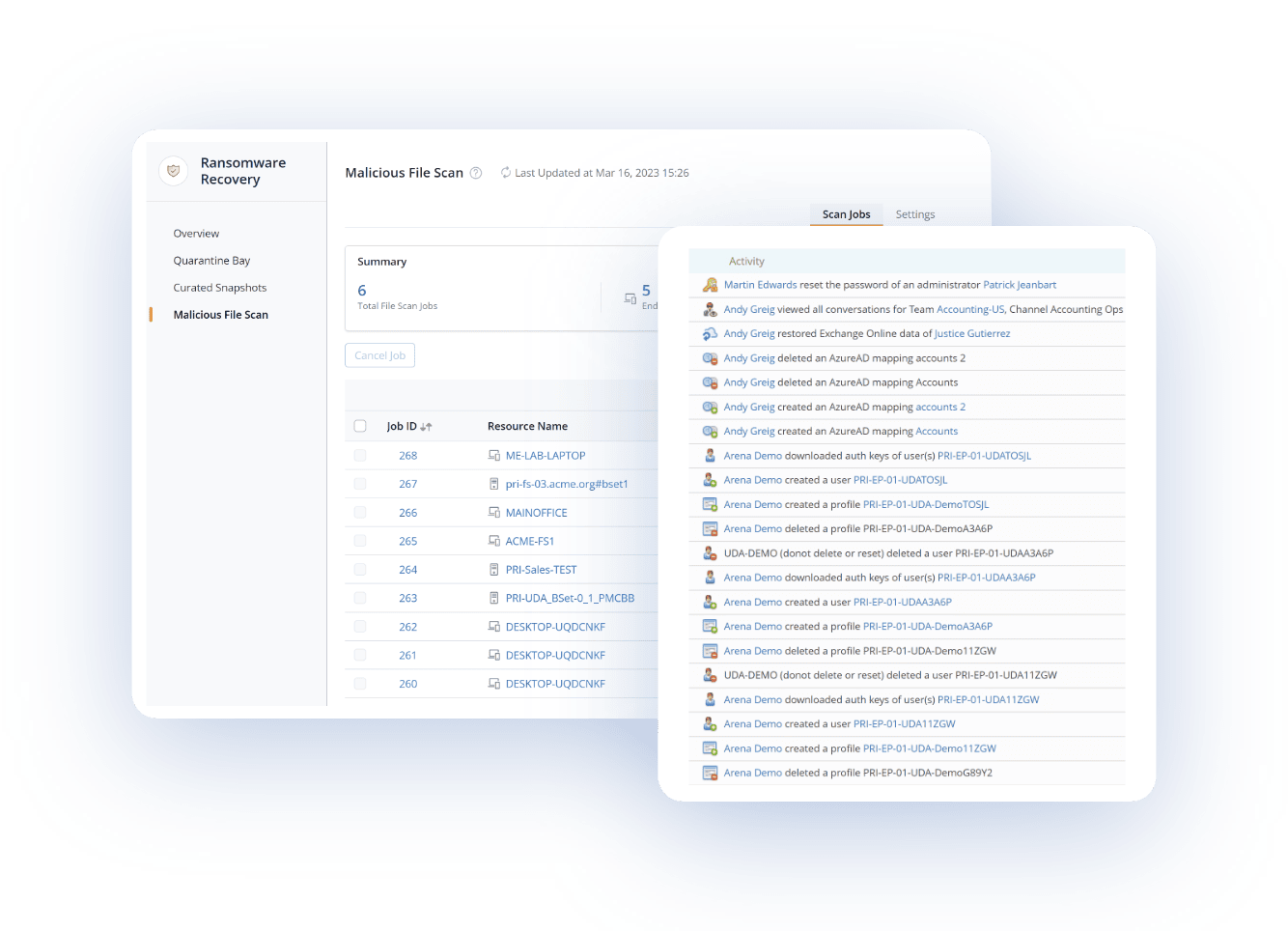

Druva Recognized as a 2024 Customers' Choice
A 2024 Gartner® Peer Insights™ Customers’ Choice for Enterprise Backup & Recovery Software Solutions